youmessages Knowledge Base
- Knowledge Base
- STEP 2. Connecting and configuring WhatsApp personal channels
A smartphone with WhatsApp or WhatsApp Business app is required for connection. An unlimited number of WhatsApp numbers can be connected to YouMessages.
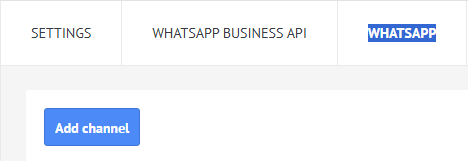
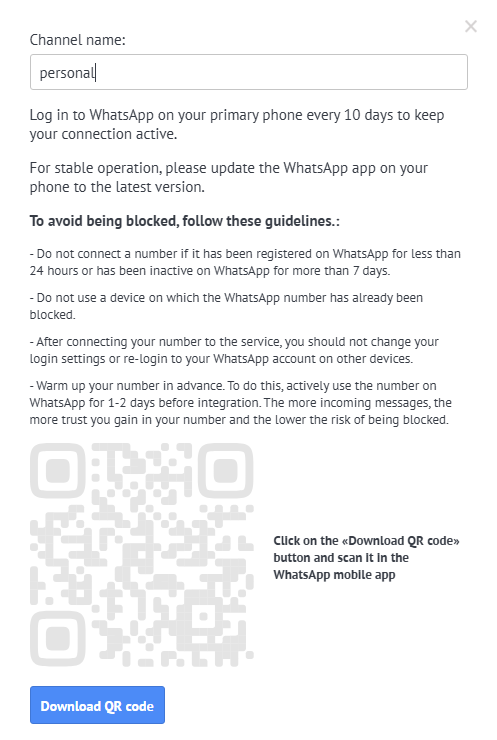
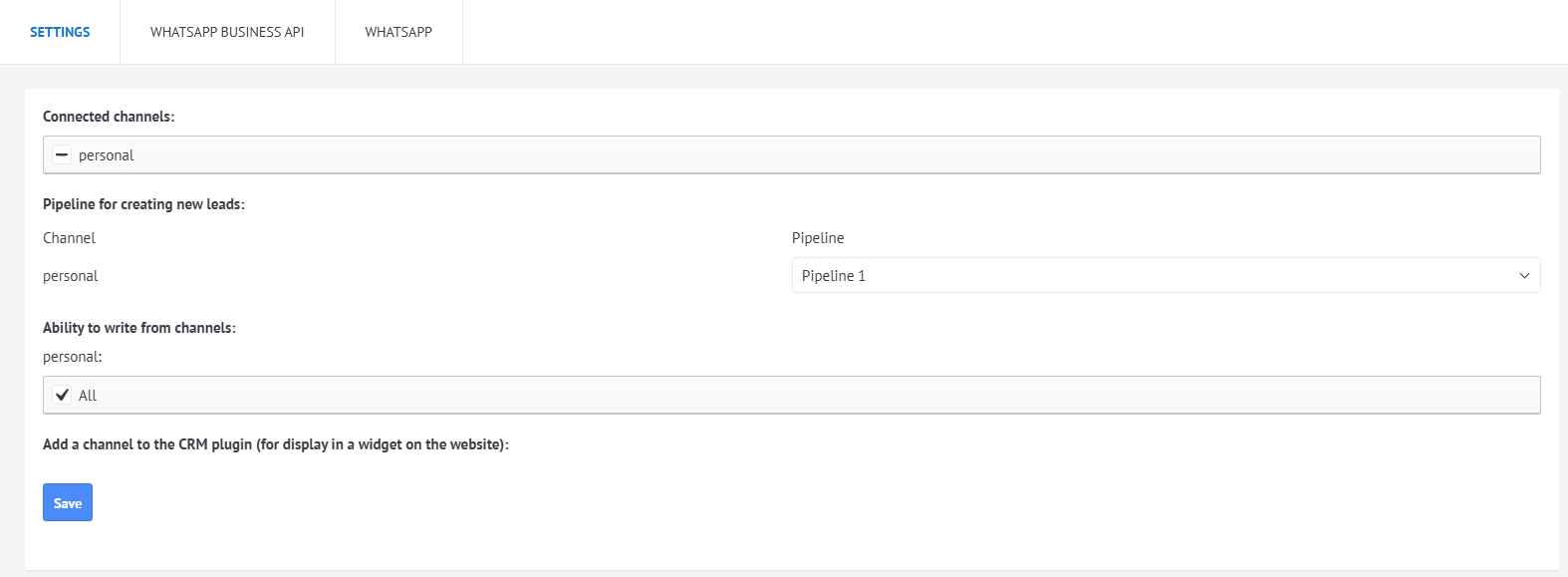
After connecting, go to "Settings", select the channel, and choose the pipeline where new leads will be created.
Select users who can send messages via this channel. If necessary, add the channel to the CRM plugin (read more at the link: https://help.youmessages.com)