youmessages Knowledge Base
- Knowledge Base
- WhatsApp Business API
- STEP 2. Connecting widget in Kommo
- Go to the "Integrations" section in Kommo;
- Type "Youmessages" in the search bar;
- Click on the "Install" button.
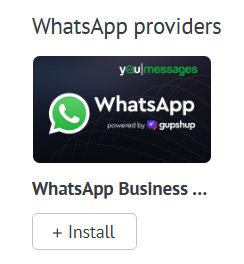
A new window with app description will open. Agree to the transfer of personal data from Kommo to Youmessages. Click "Install"
Then enter the email address associated with your youmessages.com account and click "Save".
If there is no account, it will be created automatically
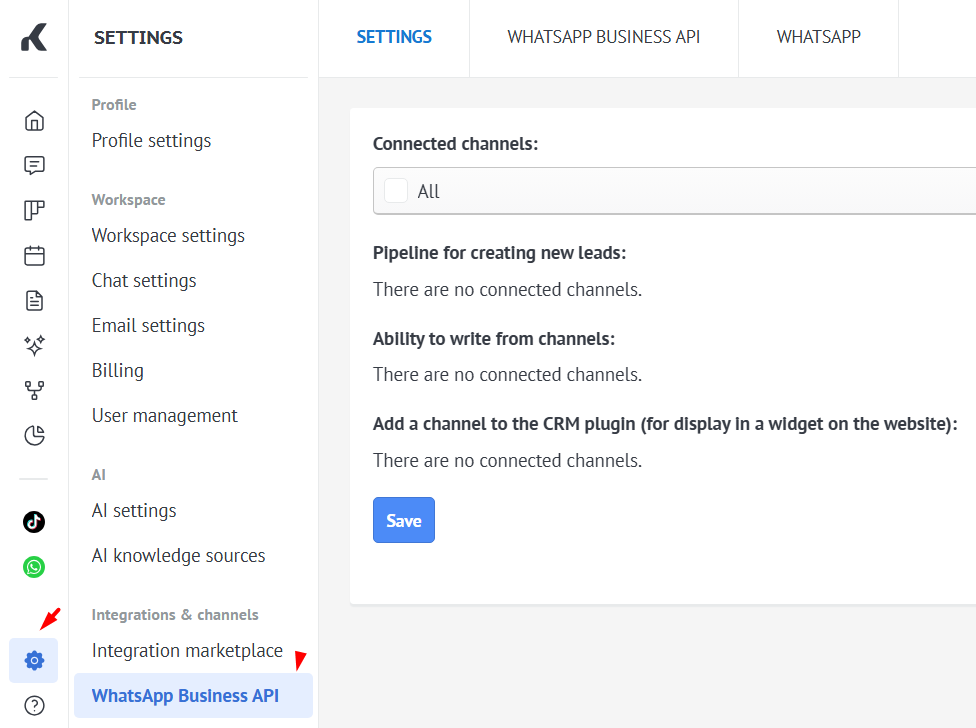
Upon successful widget connection in Kommo, channel settings will be available to you in the Settings section.