youmessages Knowledge Base
- Knowledge Base
- WhatsApp Business API
- Chat button on the website
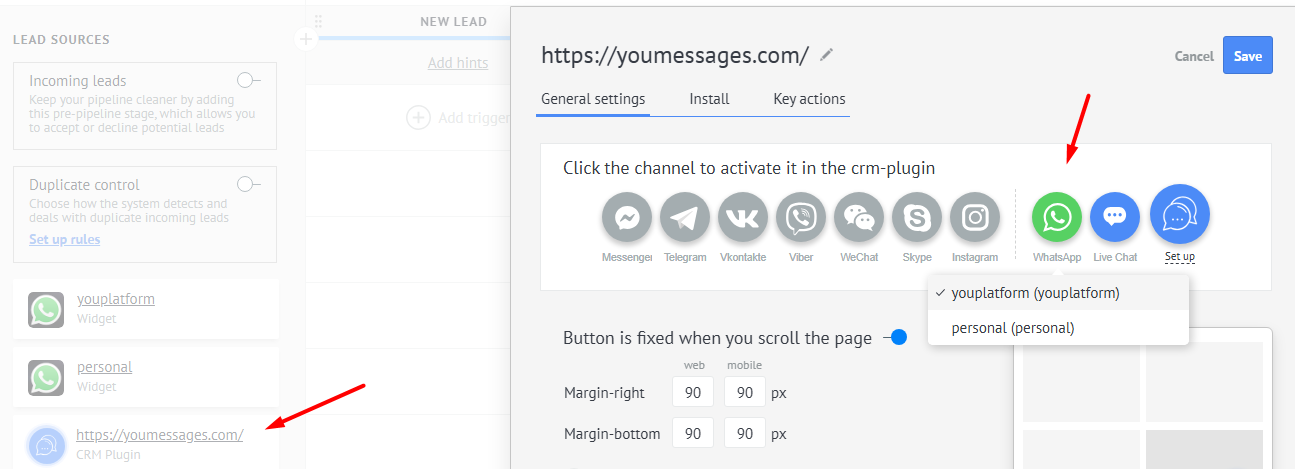
Chat button on the website - in messenger for your website — a feedback button.
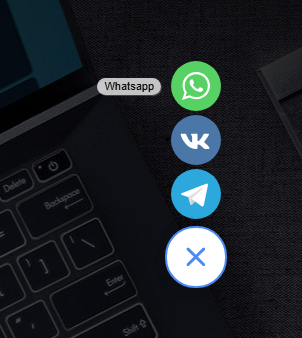
What is a chat button and how to connect it is described in detail on the official Kommo website at the link:https://www.kommo.com/support
To display your WABA channel in the chat button, go to the Youmessages WhatsApp widget, open the "Settings" section, and click "Add" next to the selected channel.
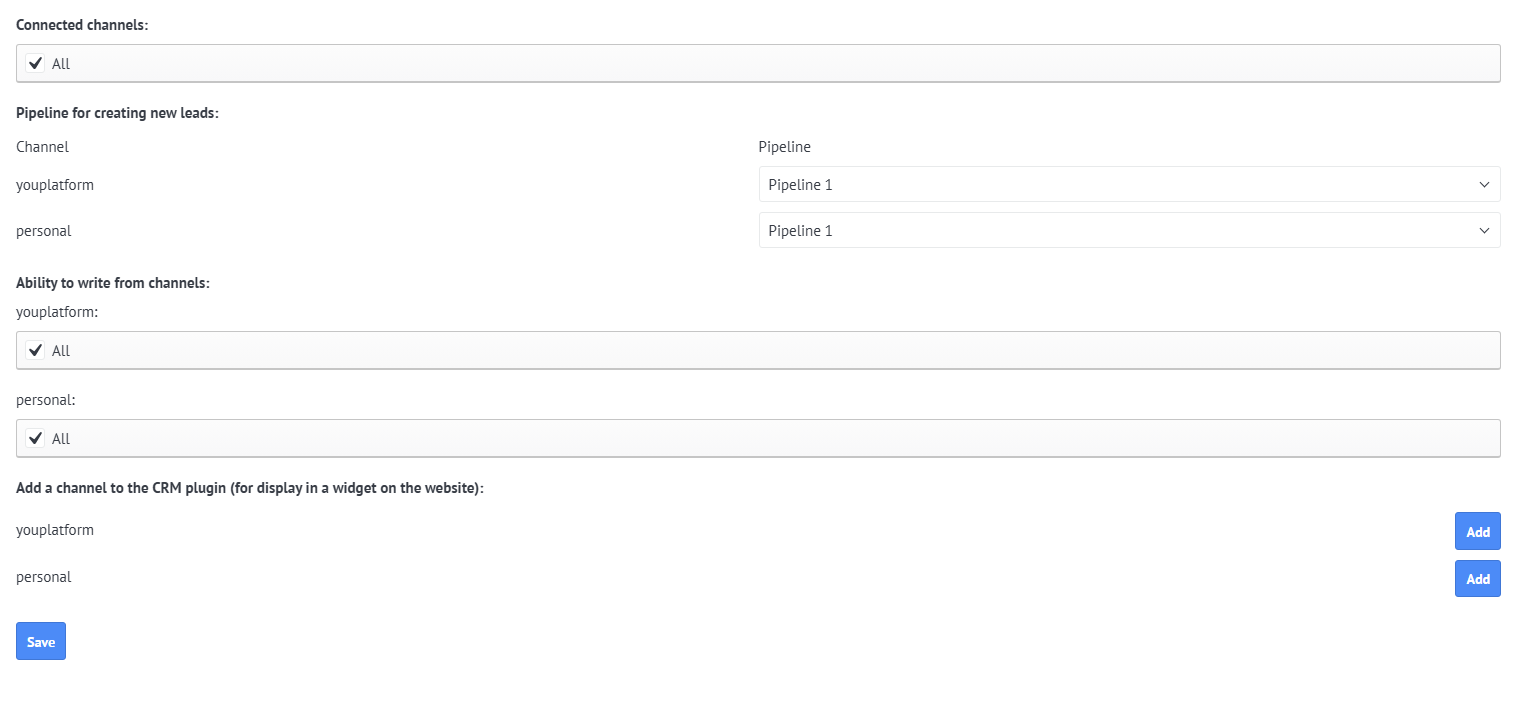
Only one channel can be displayed in the chat button . If you add two or more channels in the widget settings, then when configuring the chat button in Kommo, you will be prompted to select only one of the channels you added in the widget settings.