If you already have an account and application in Gupshup, proceed to the next step.
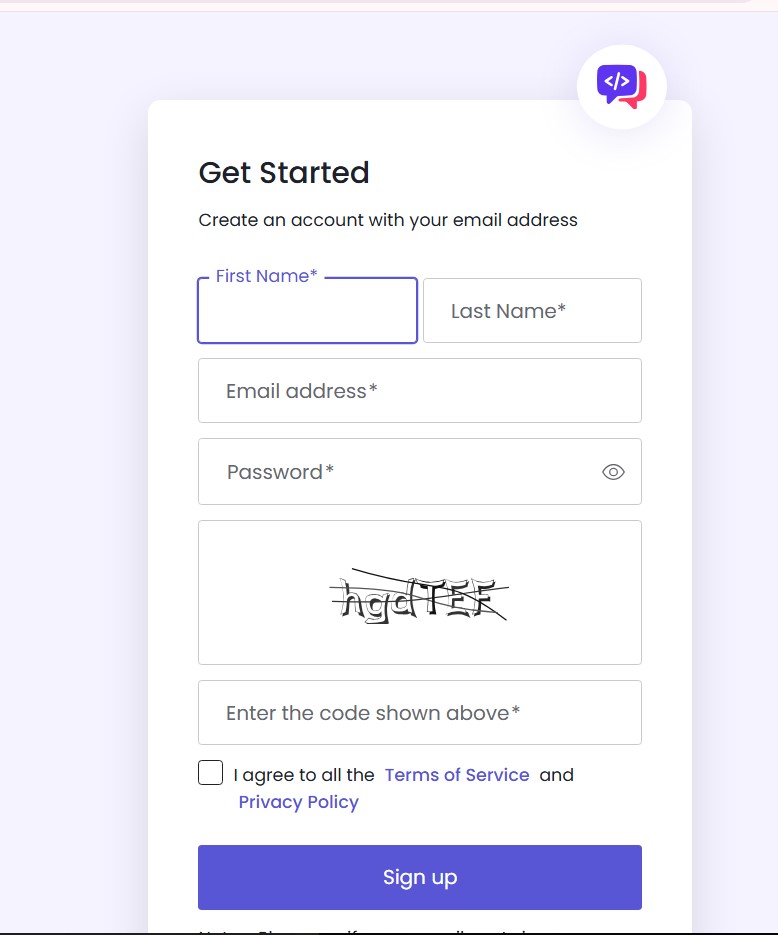
1. Registering in Gupshup
Go to the link: https://www.gupshup.ai/ and register
2. Creating an Application in Gupshup
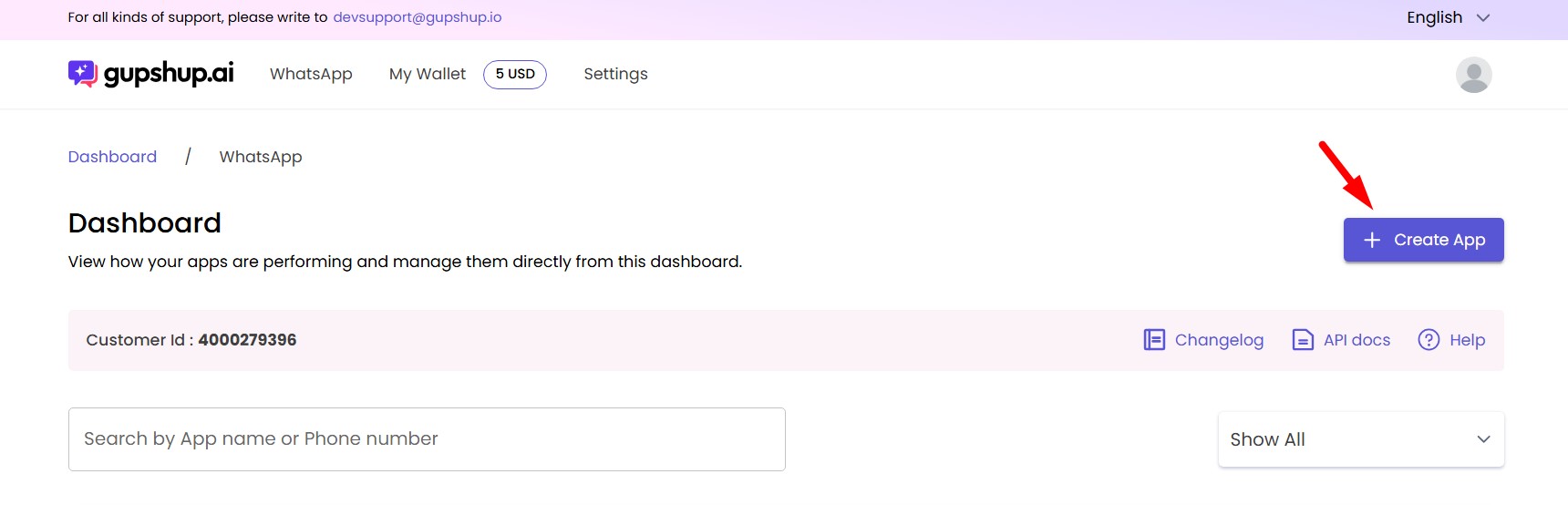
In your personal account, go to WhatsApp and click "Create App"
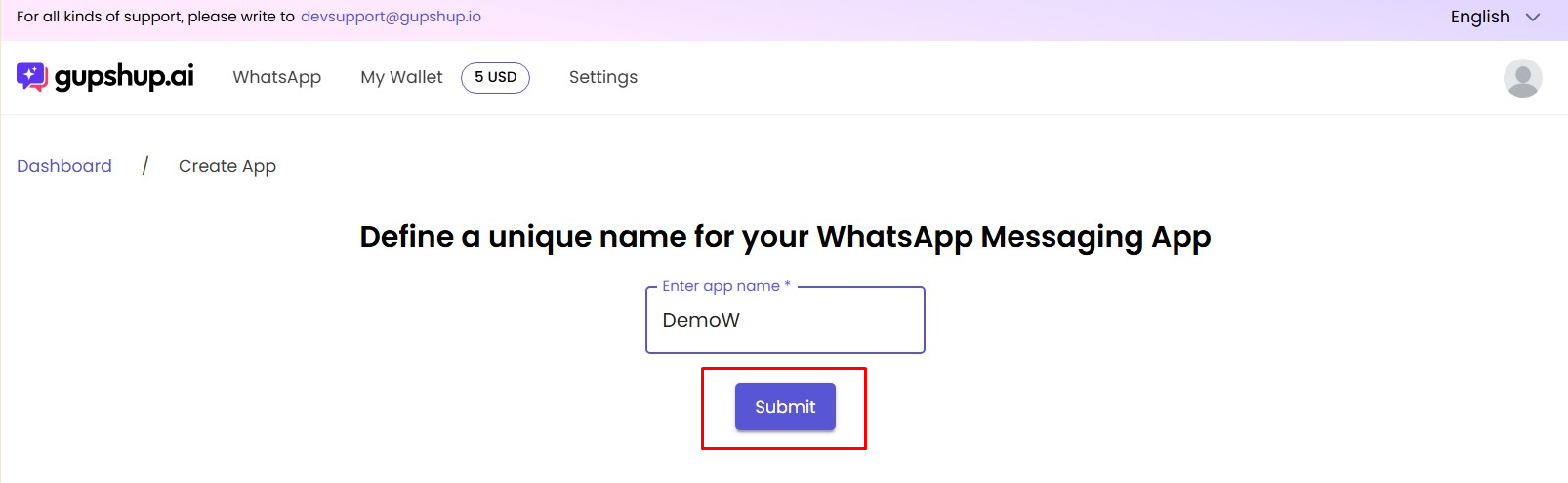
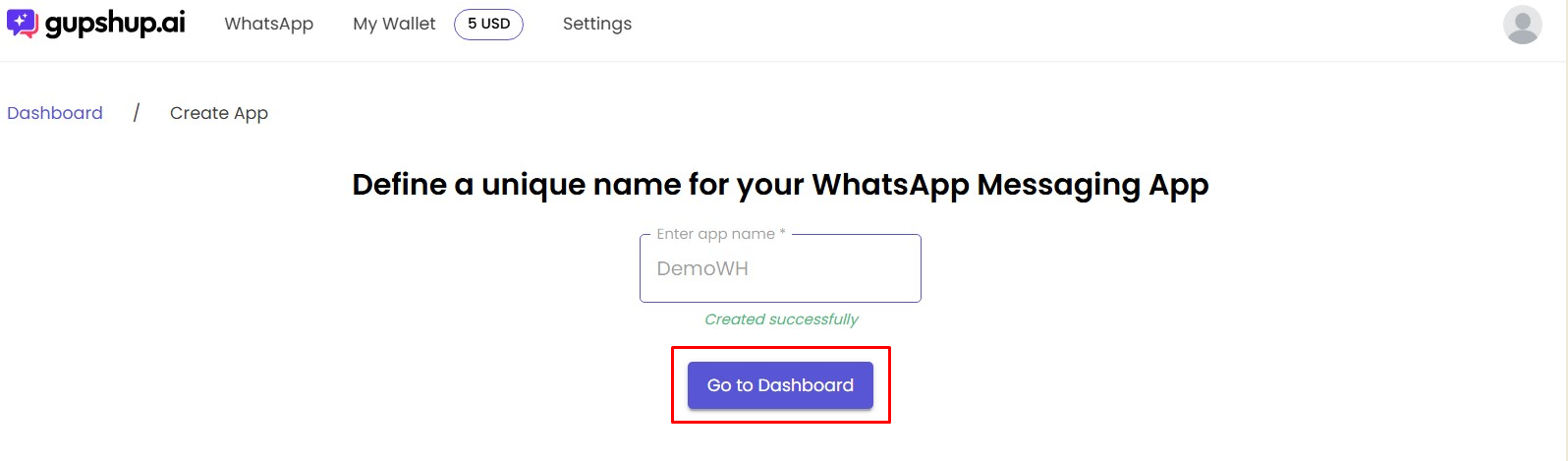
Enter the application name (visible only to you). Then click "Submit" and proceed to Dashboard
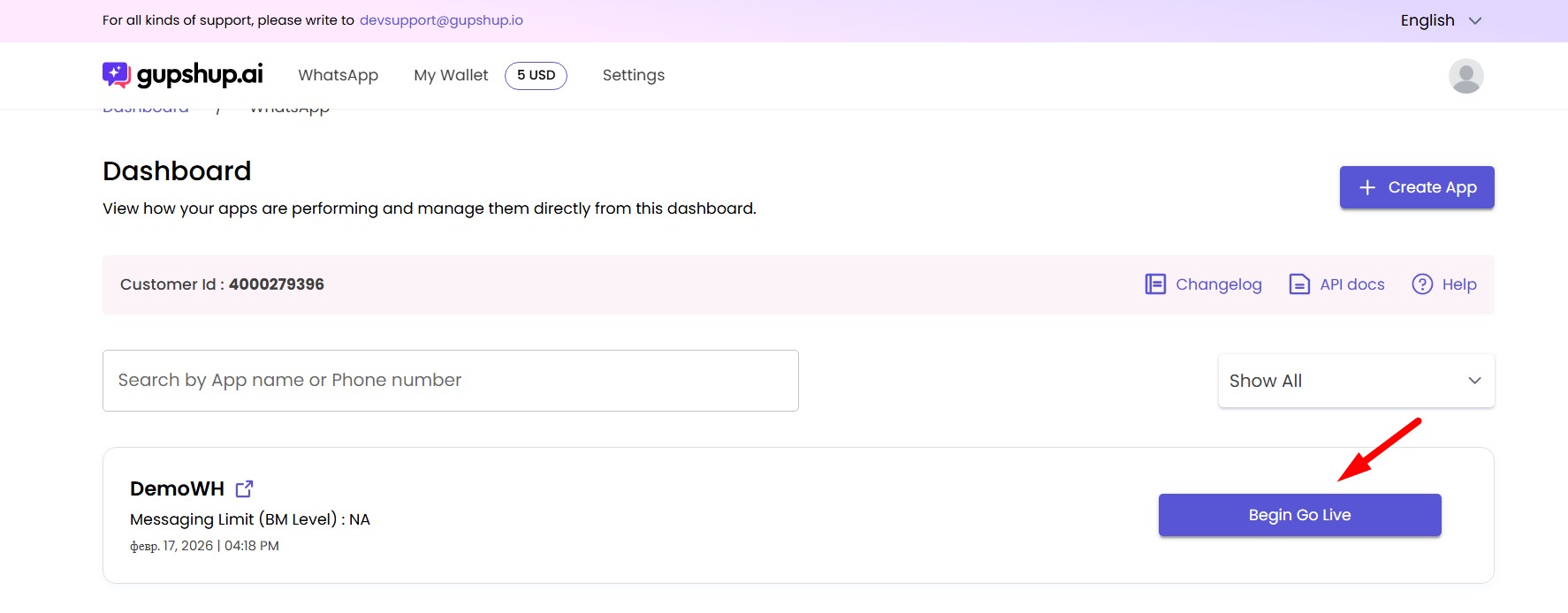
After creating the application, it is necessary to connect a phone number. Click "Begin Go Live"
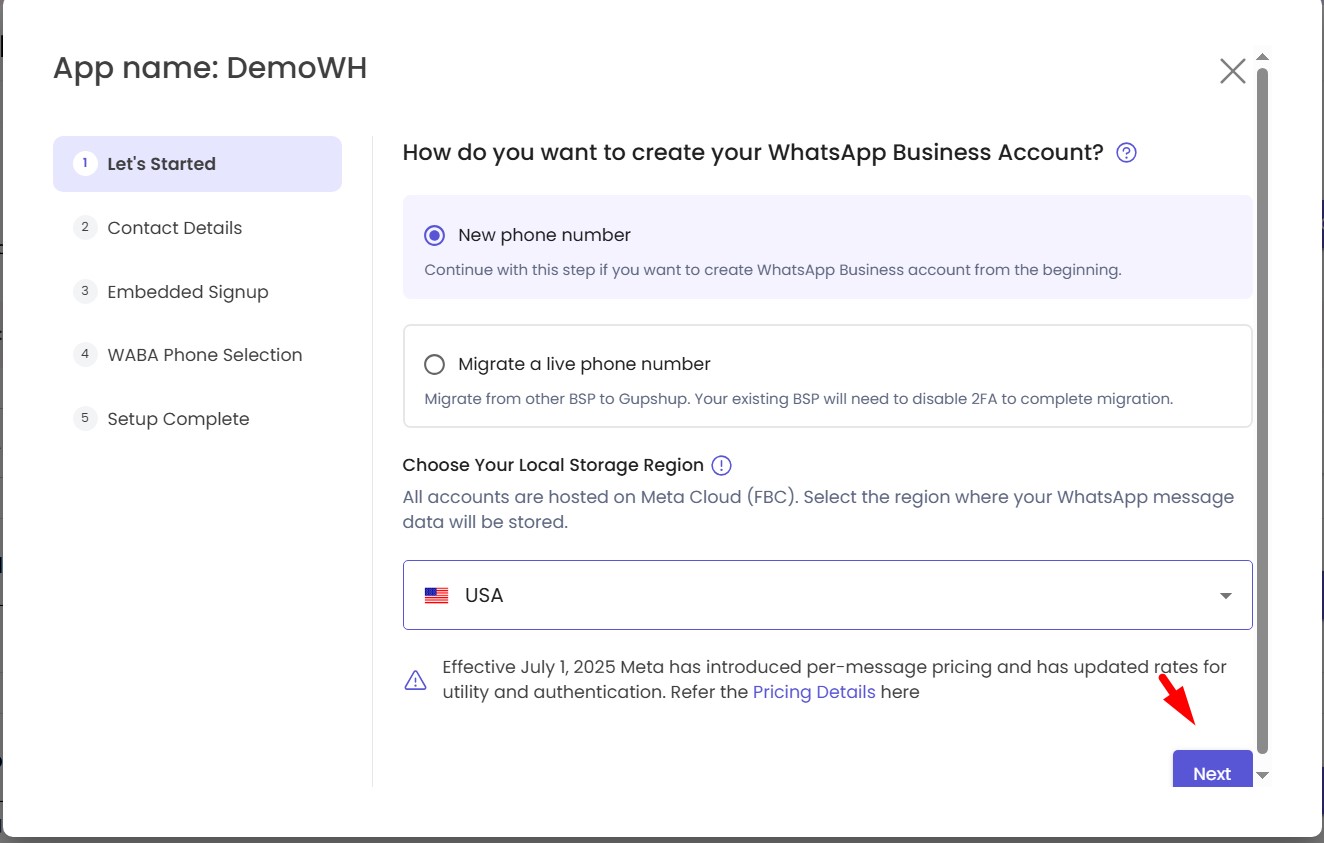
Choose to add a new number or transfer an existing one
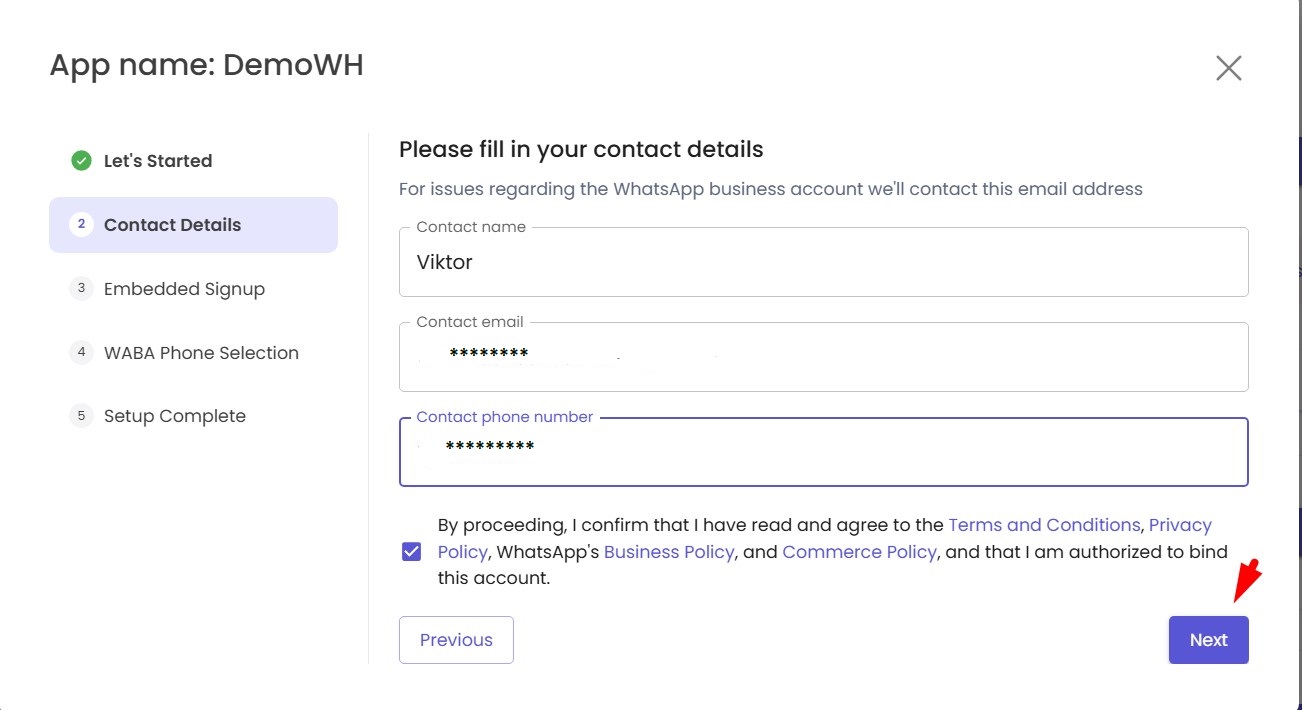
Fill in your details
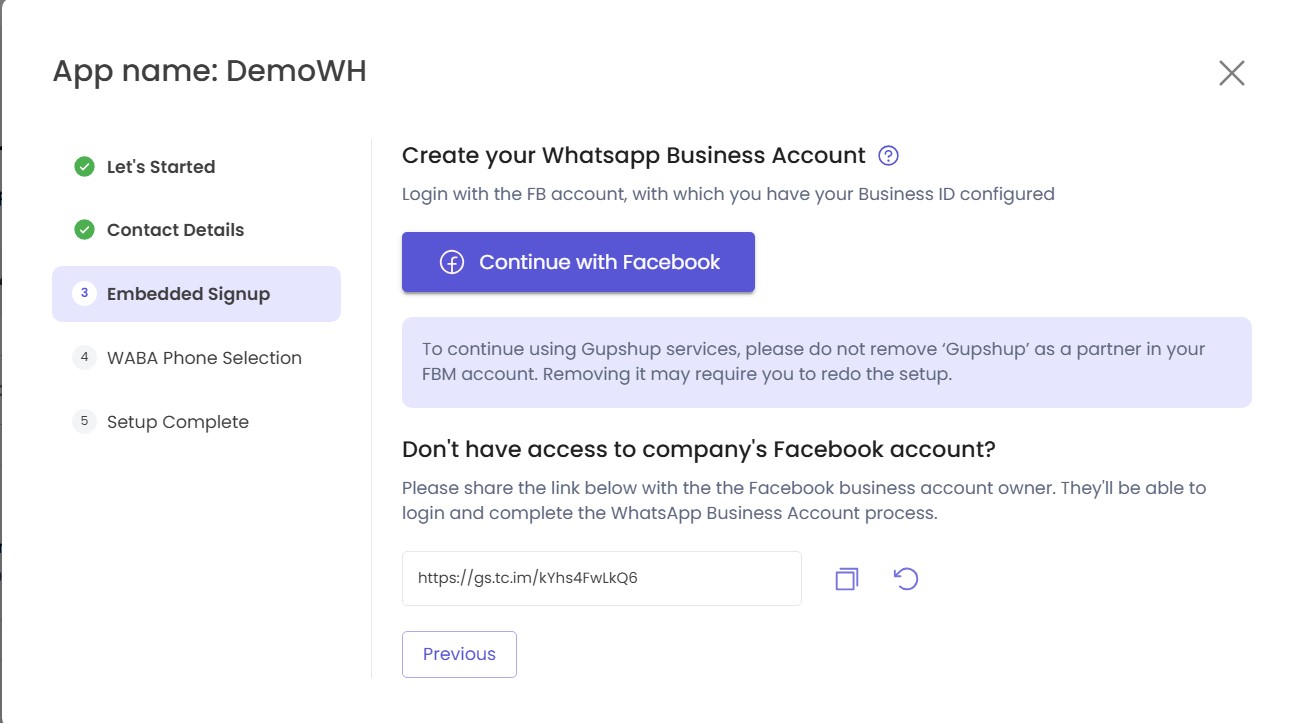
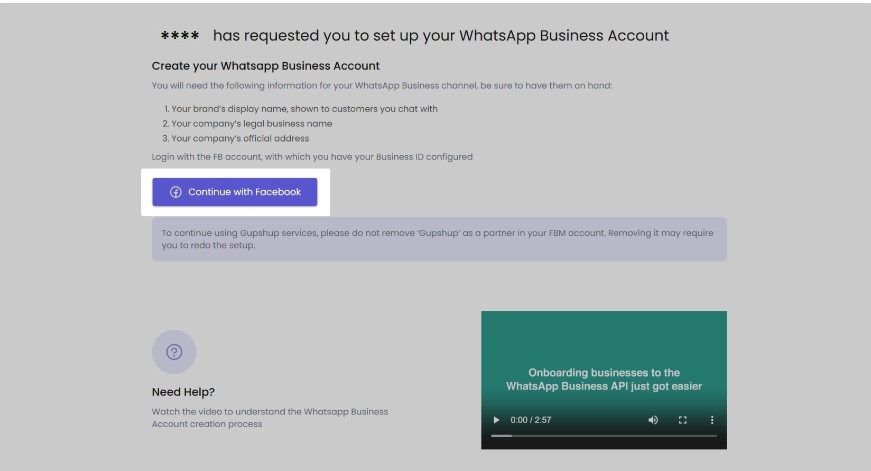
Connect to Facebook
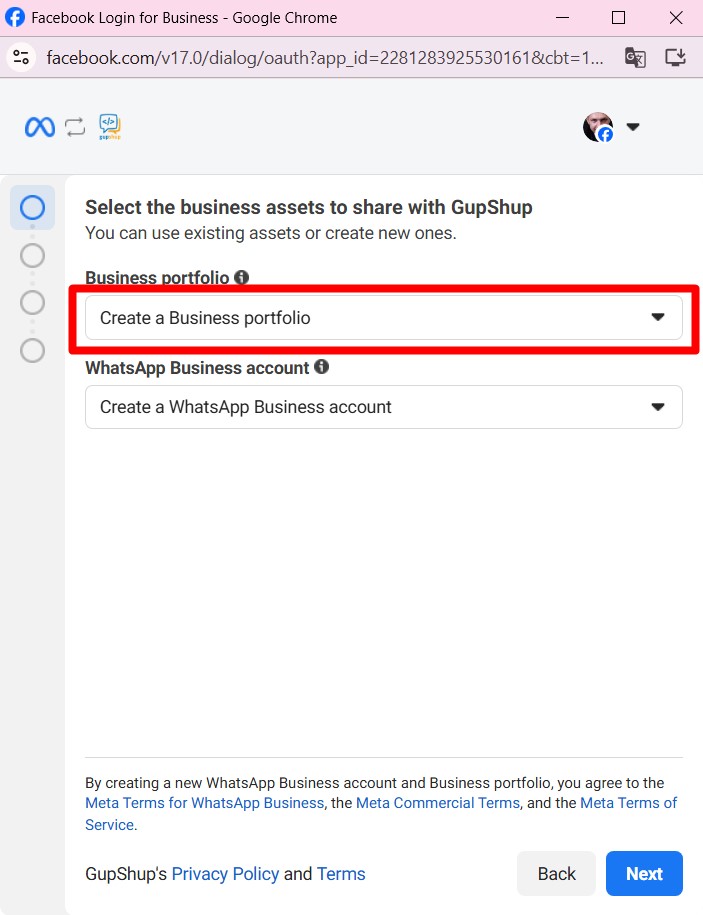
Select an existing Business Profile or create a new one
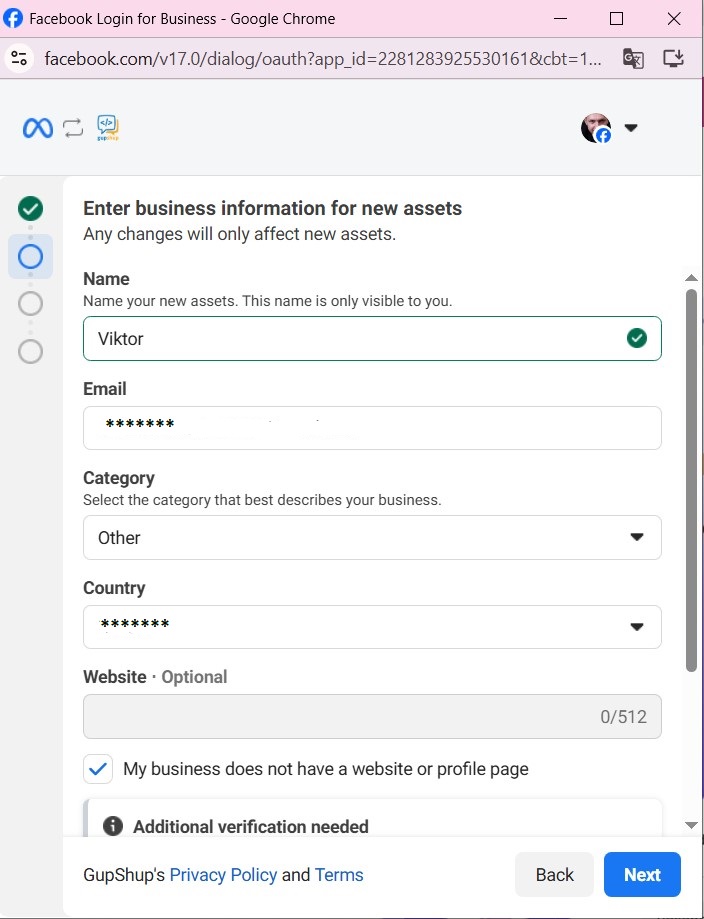
Fill out the required information and click "Next"
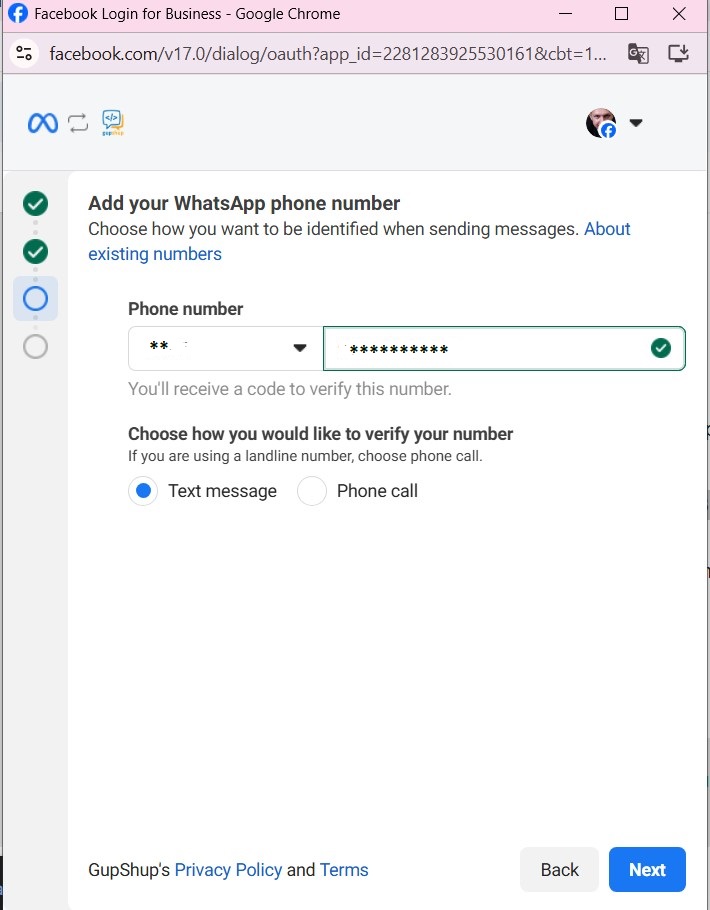
Add your phone number and select verification method
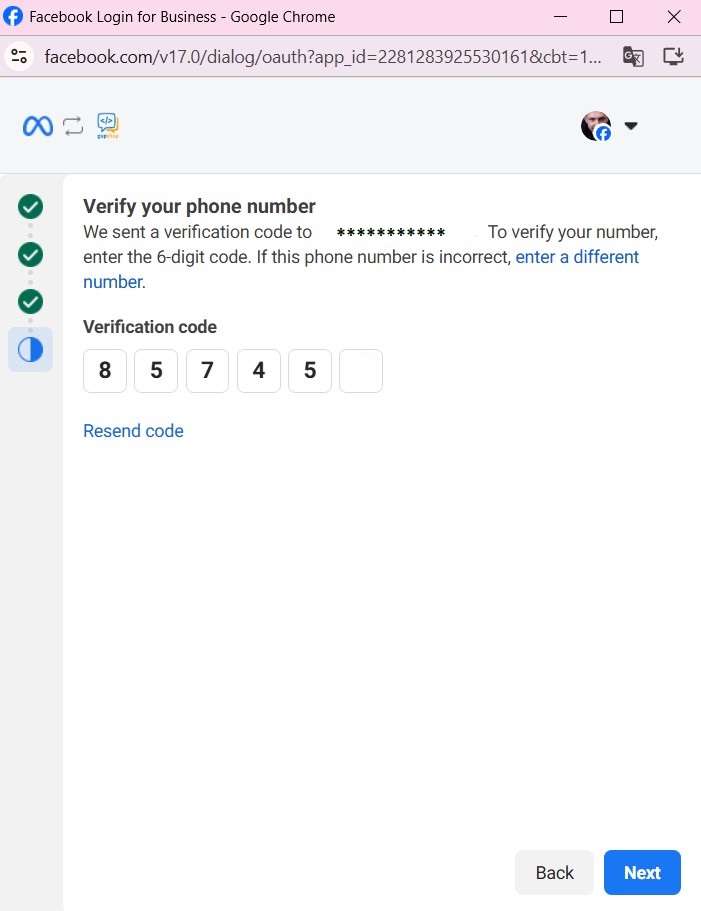
Get the verification code and enter it
After that, the page that opened at the beginning of the connection process will remain on the screen.
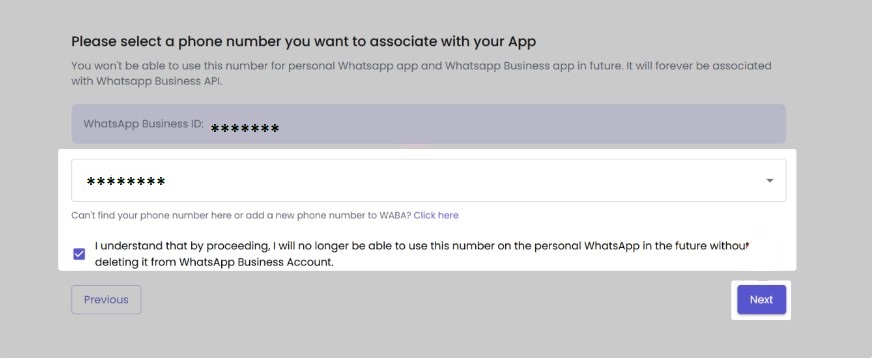
After the page auto-refreshes, select the number connected to WABA from the list, check the warning about this number being unavailable in your personal account, and click "Next".
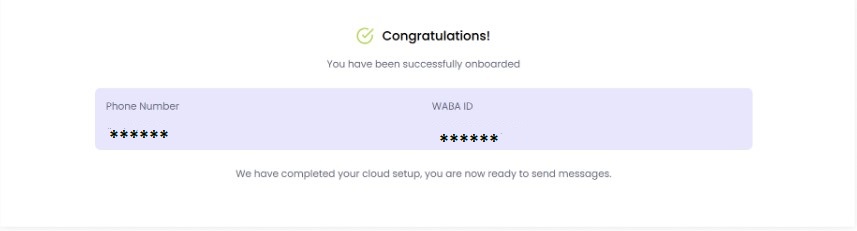
Wait for the notification about successful WABA connection — do not close the page until then
Proceed to the next step
STEP 2. Connecting widget in Kommo