en
ru
es
pt
tr
id
en
ru
es
pt
tr
id
youmessages Knowledge Base
Knowledge Base
WhatsApp Business API
Creating and sending WABA templates in Kommo
Back
Creating and sending WABA templates in Kommo
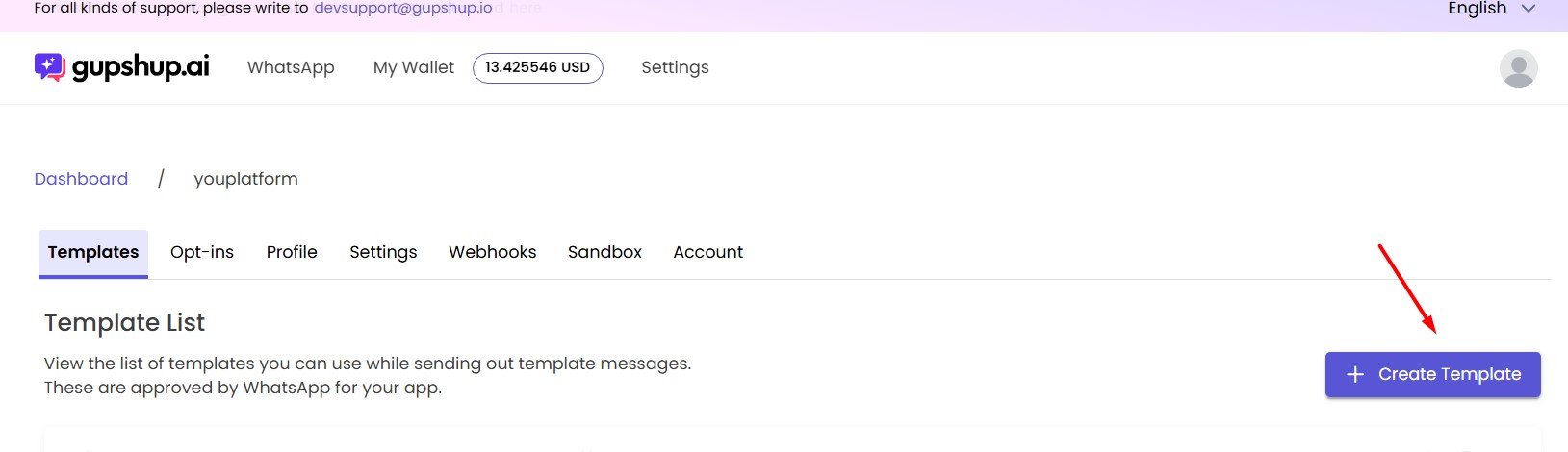
Template creation takes place within the Gupshup application
To do this, go to
https://www.gupshup.ai/
, navigate to the application, and create a new template
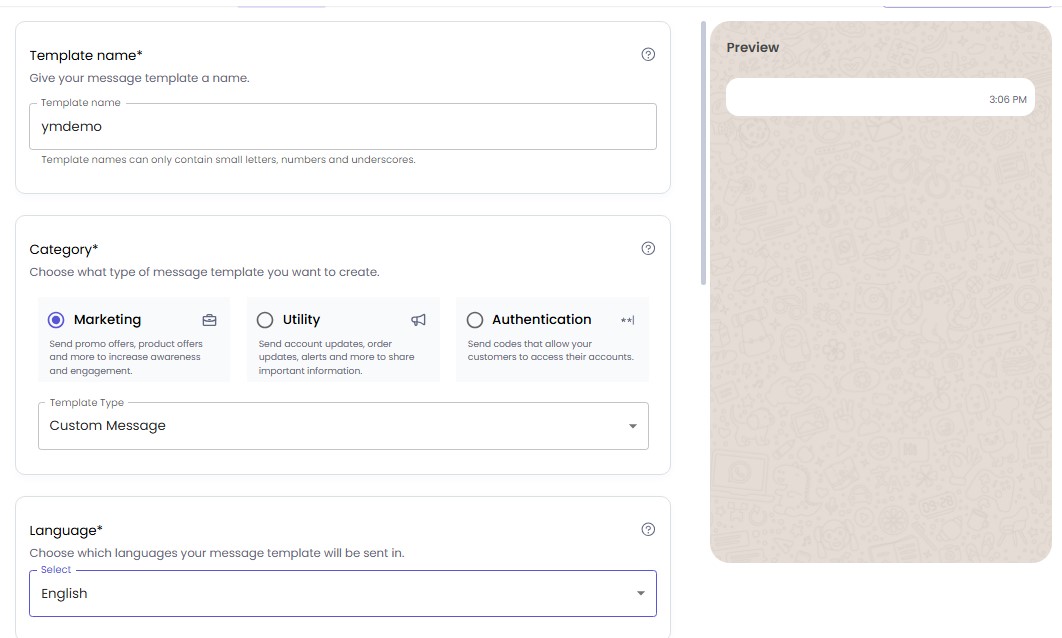
- Add template name
- Select message type
- Choose message language
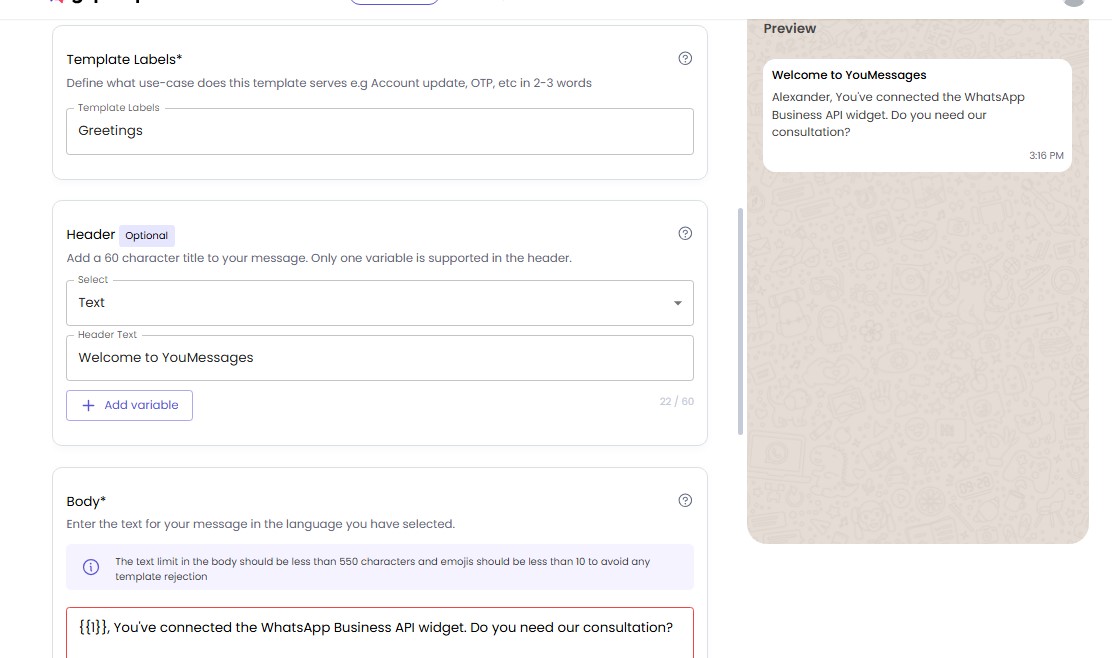
- Add template label
- Message title
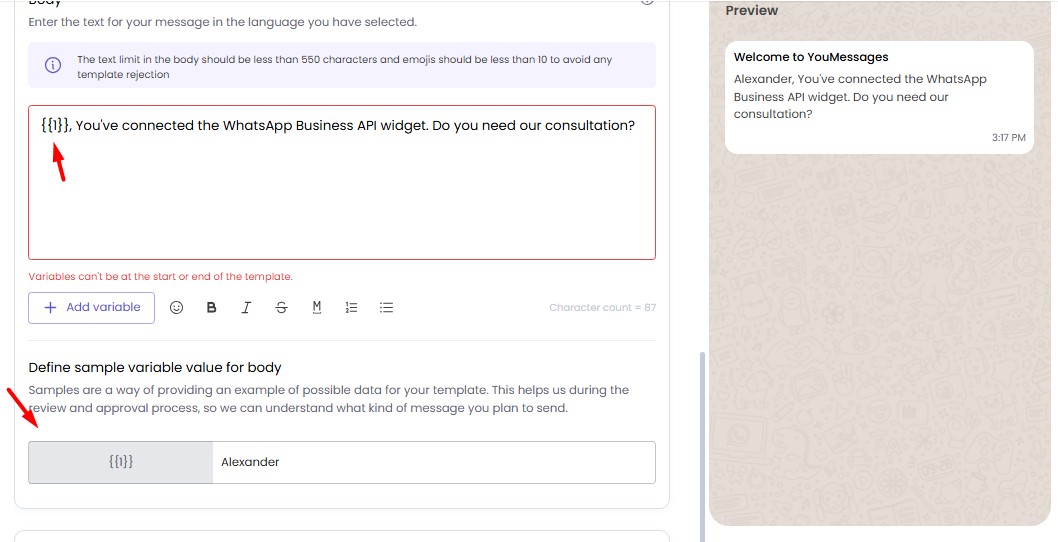
- Message text
Optionally, add a variable that changes before sending the message according to your data
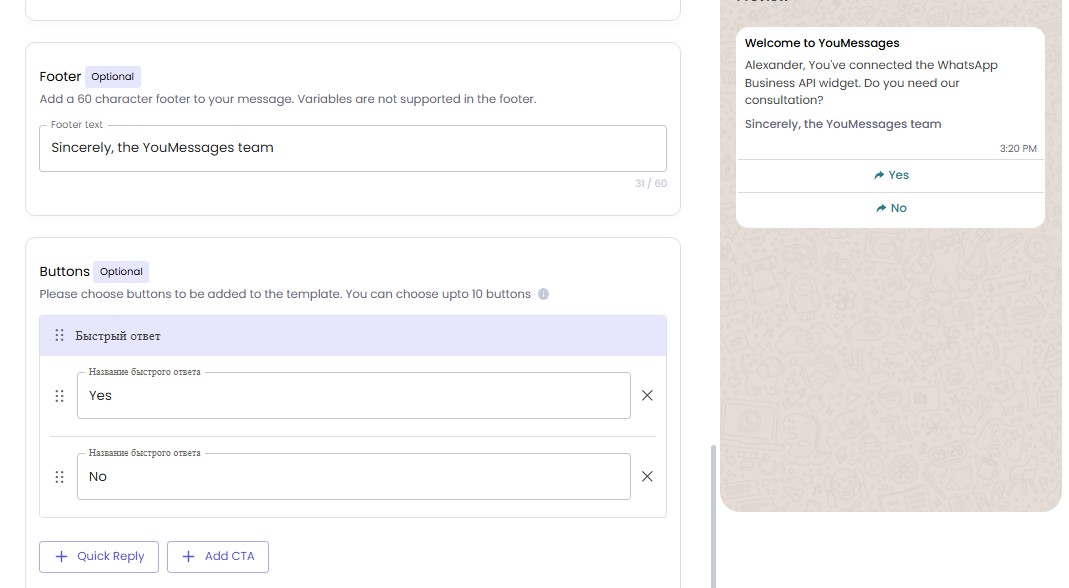
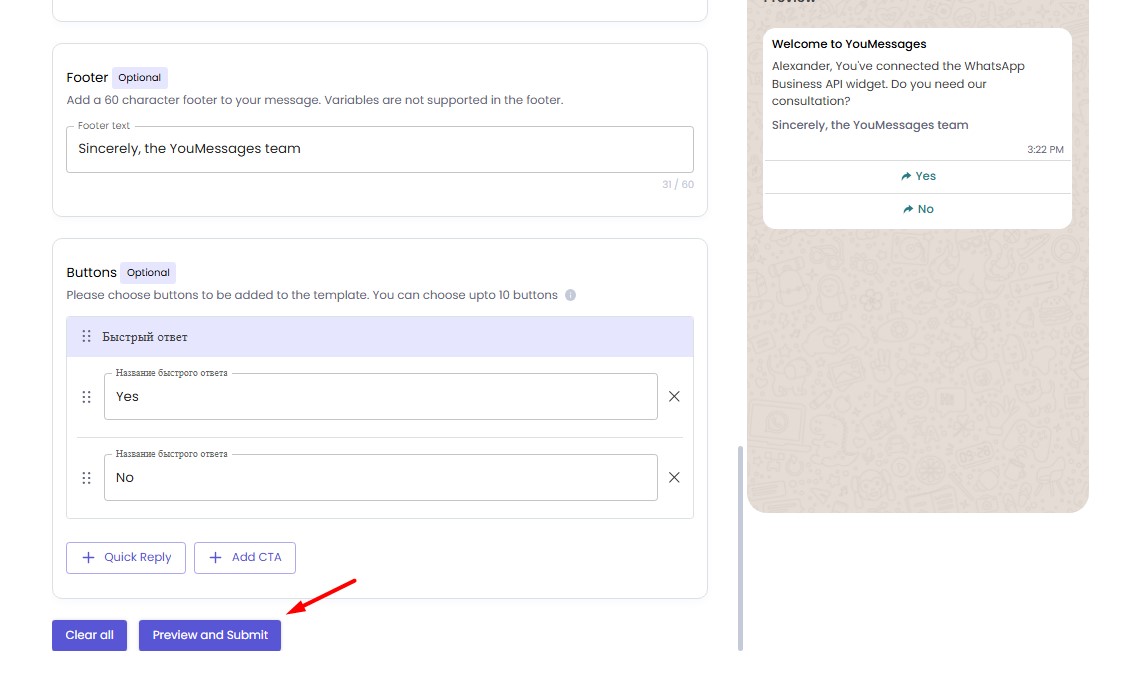
If necessary, add a footer and buttons with response options
Submit for approval
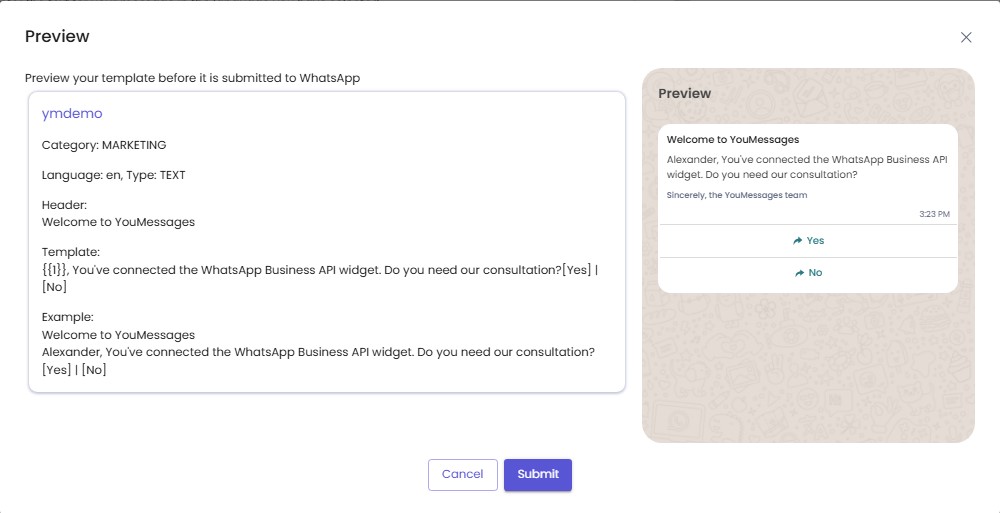
Check how the message will look and send it
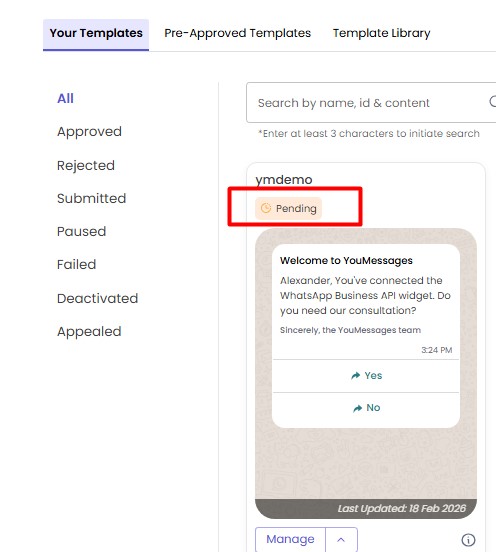
Await template approval (usually takes several minutes)
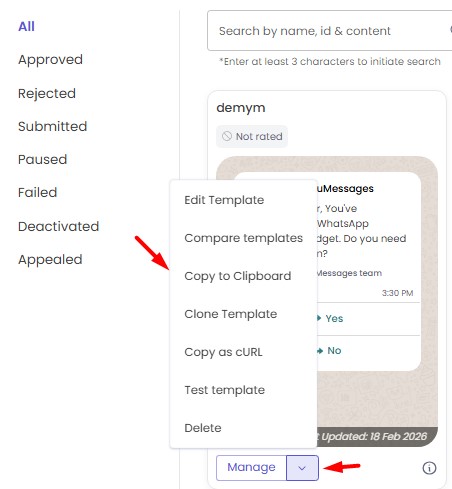
After the template is approved, copy it
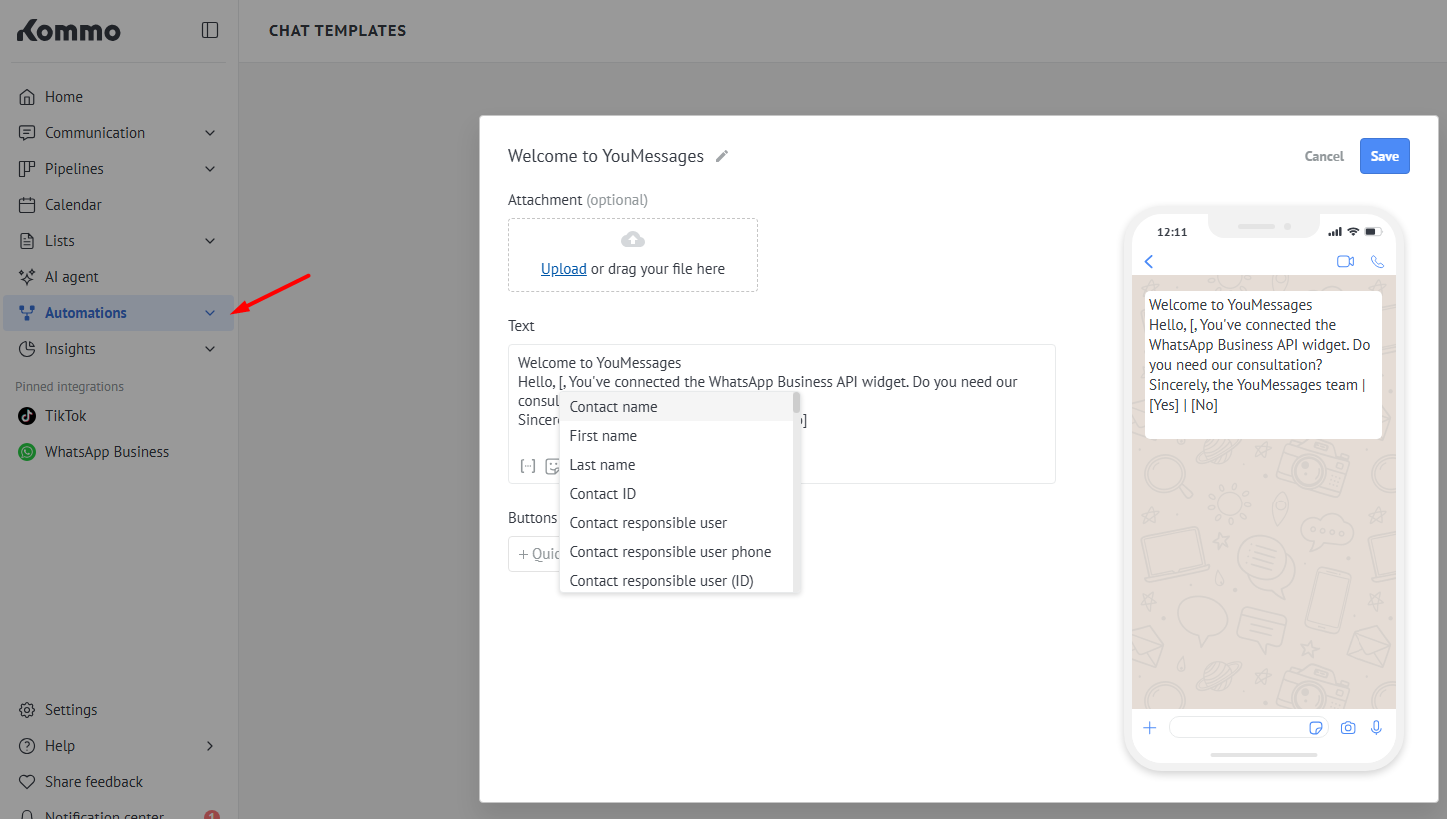
Go to Kommo and add a new template in Chat templates
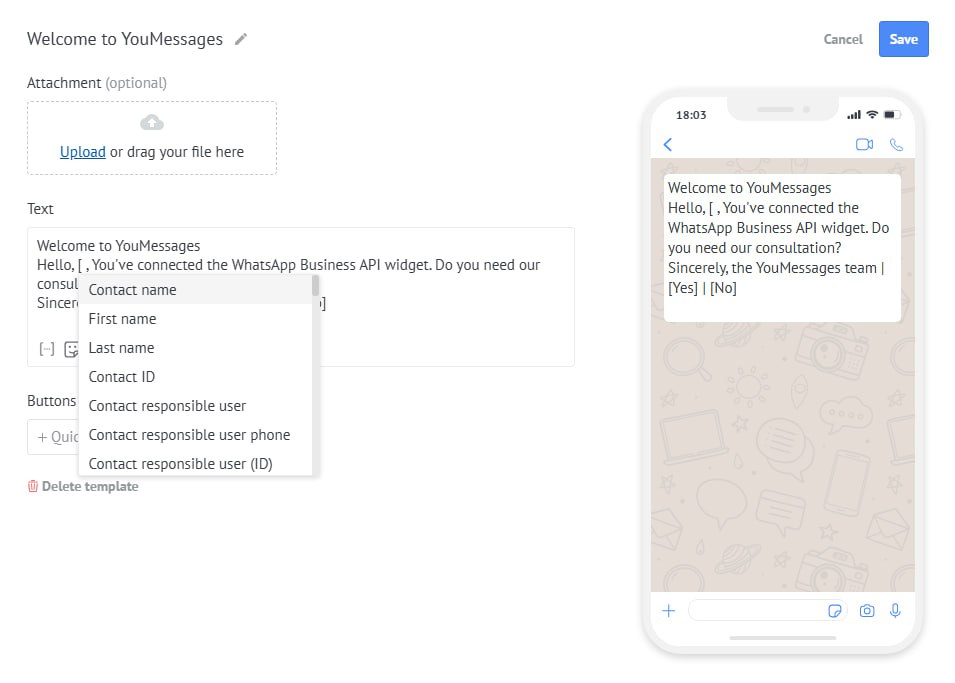
If necessary, change the variable (choose exactly the field whose data should be passed into the message when sent)
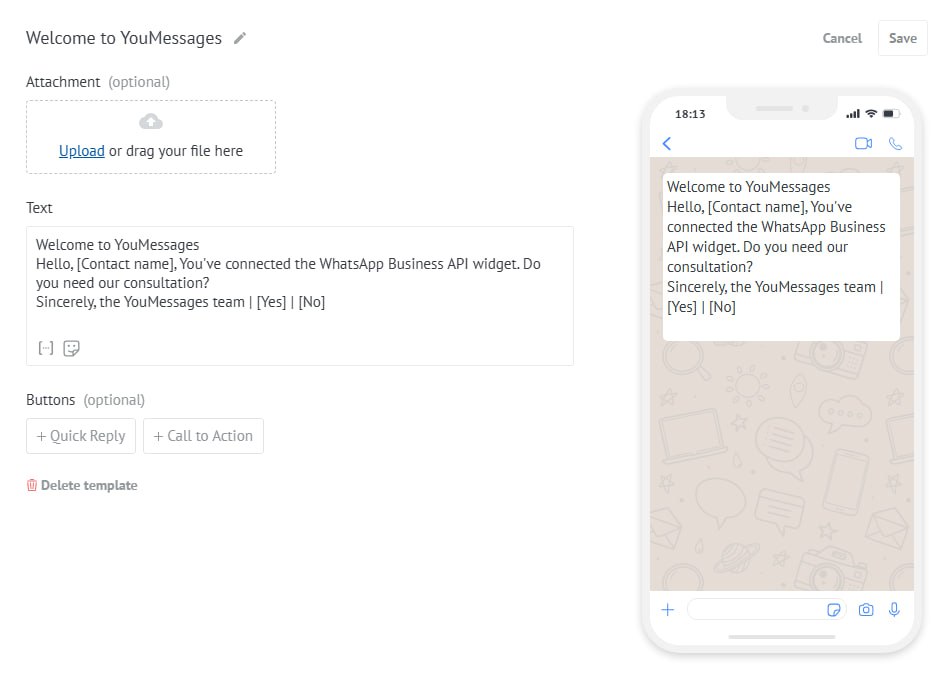
The final template should look like this
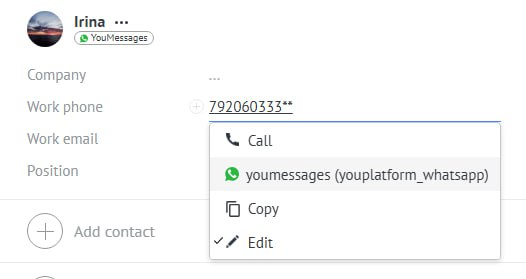
Go to the lead card and select the number to which the message needs to be sent, then choose the channel
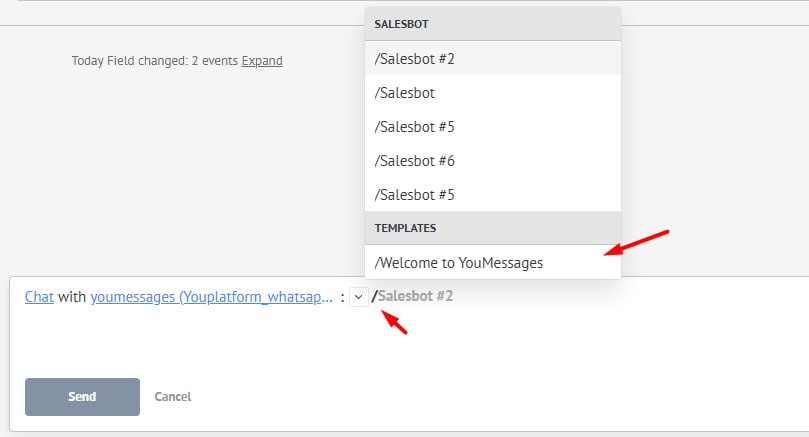
Select the pre-prepared template
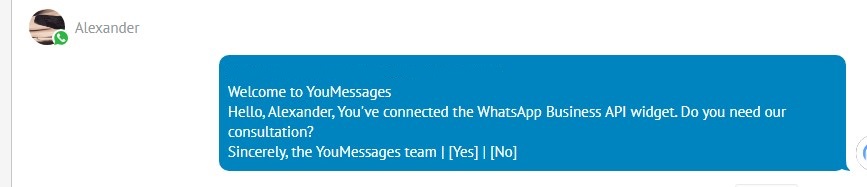
Send the template
Message has been sent to the lead
Other sections
STEP 3. Connecting and configuring WABA channels
STEP 1. Registration and creation of Gupshup application
STEP 2. Connecting widget in Kommo
Chat button on the website