
youmessages Knowledge Base
- Knowledge Base
- WhatsApp Cloud API сalls and messages
- STEP 3. Creating an app
1. In the top menu, select "My Apps".
2. Click "Create App".
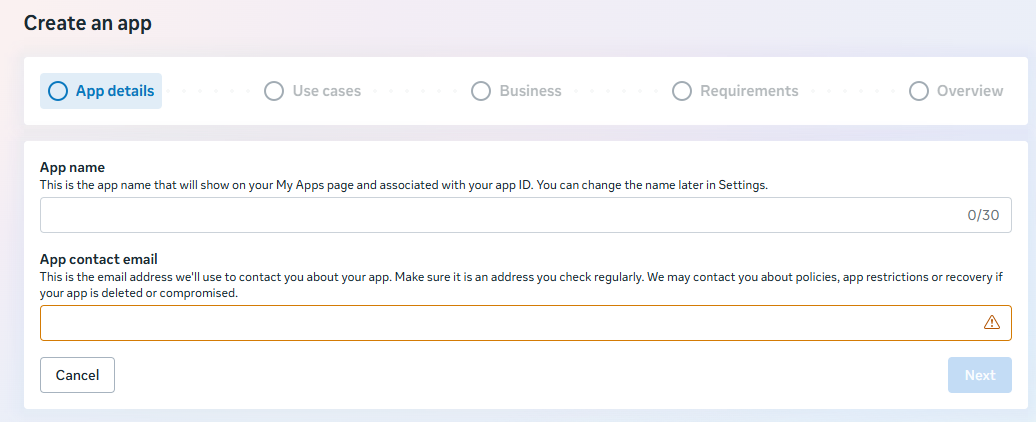
3. Enter the app name and your email address, then click "Next".
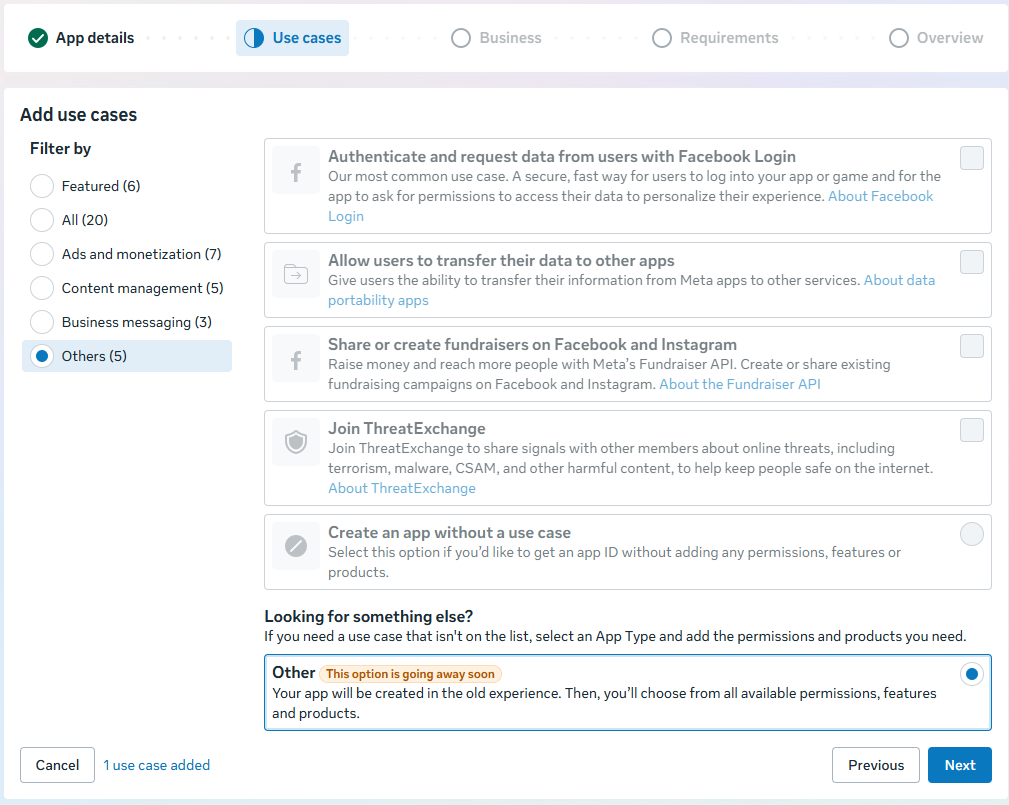
4. In the "Use cases" section, select "Other" and click "Next".
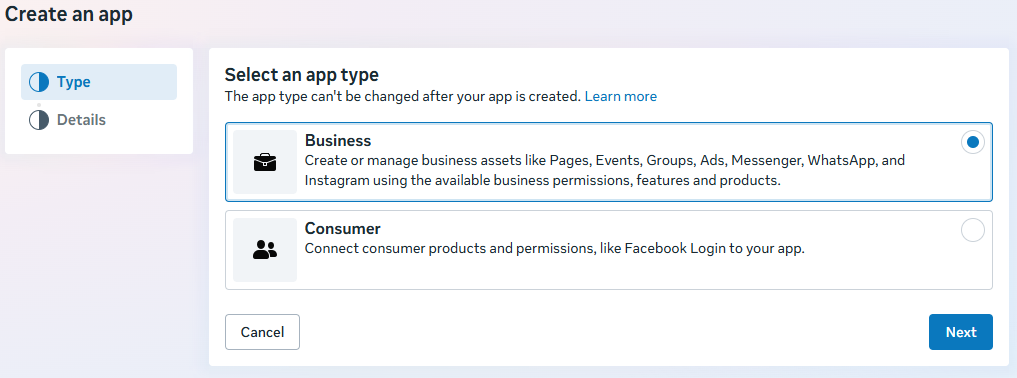
5. Select the app type "Business" and click "Next".
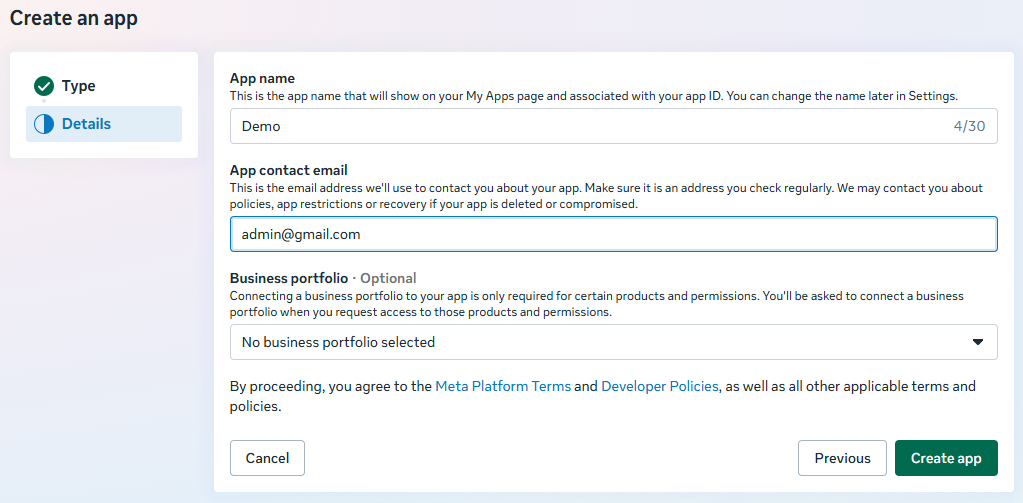
6. Click "Create App".
If you already have an app with a connected number and it is linked to the Business Portfolio to which you need to connect another number — do not create a new app. Connect the number to your existing app.