
youmessages Knowledge Base
- Knowledge Base
- WhatsApp Cloud API сalls and messages
- STEP 8. Payment setup. For CIS and Western countries only
1) Go to "API Setup" (see Step 4);
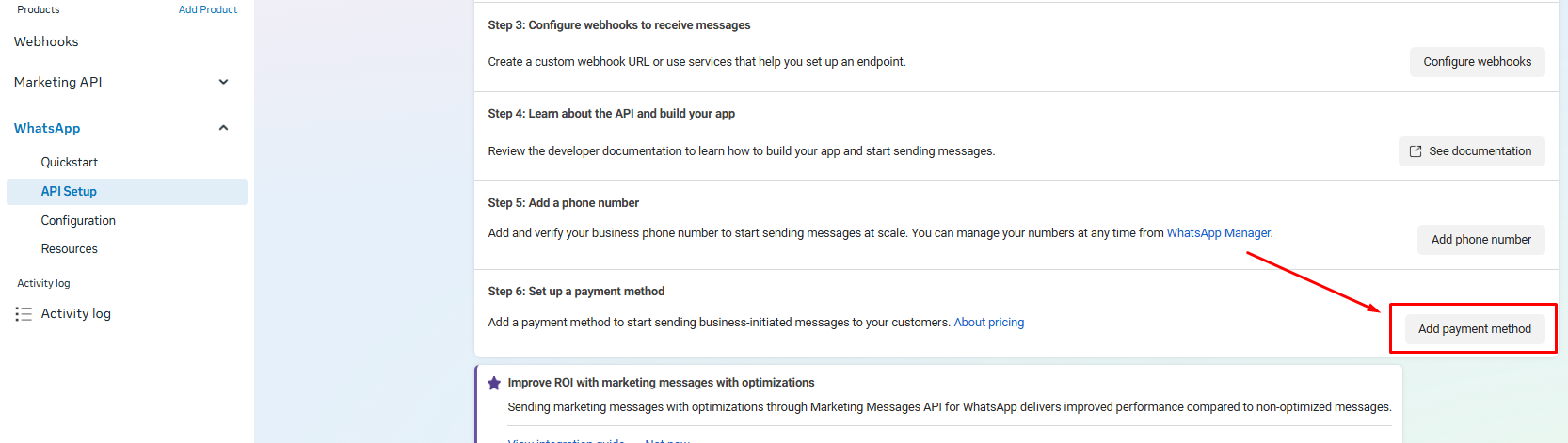
2) At the bottom of the opened page, click "Add payment method";
3) Click "Payment Settings" → "Add payment method";
4) Select the country, currency, and time zone;
5) Enter your card details. Click "Save".